

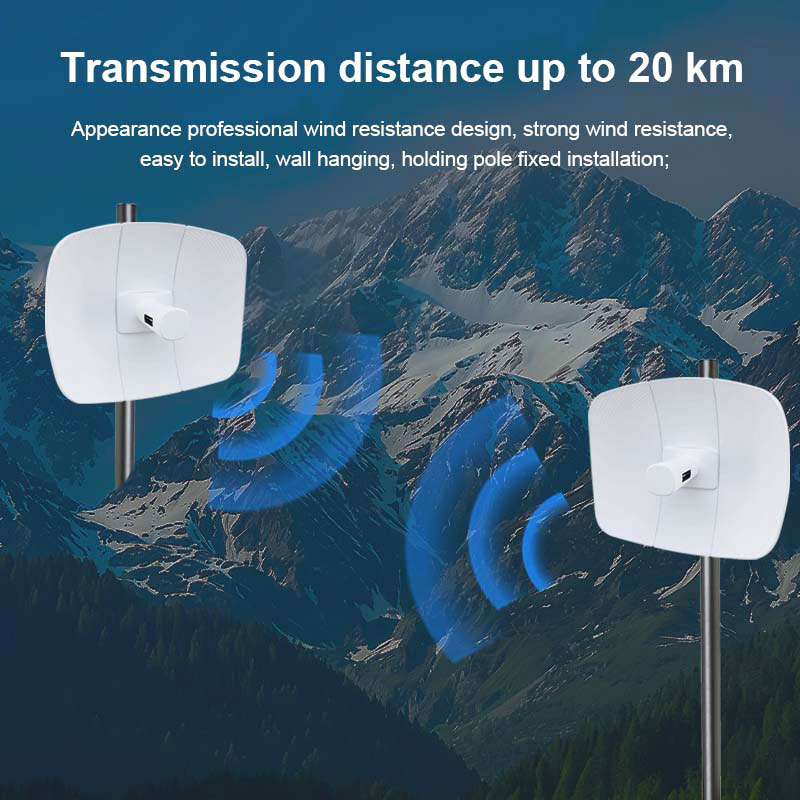
Beginners think a wireless bridge just needs the two antennas to "see" each other. For a 25 km 5.8 G link that is wrong — the radio wave is a beam with a width, and most of its energy travels in an ellipsoid called the Fresnel zone. If anything intrudes into that ellipsoid, the link degrades even if the antennas have a clear optical line of sight.
1. The Fresnel zone radius
At the midpoint of a link, the first Fresnel zone radius is roughly:
r ≈ 8.66 × √(d / 4f) with d in km and f in GHz, giving r in metres.
For a 25 km link at 5.8 G, the midpoint radius is about 8 m. That means you need roughly 8 m of clear space above the straight line at the centre — not just a thin sightline.
2. Earth bulge
The Earth curves. Over 25 km the surface drops about 50 m from the chord between the two endpoints. Towers or mast height must compensate for this bulge, which is why long links use elevated sites.
3. Obstacle clearance rule
- Keep at least 60% of the first Fresnel zone clear; 100% is ideal.
- Trees, buildings and terrain ridges are the usual intruders — survey with a map and, ideally, an on-site elevation check.
- Higher antenna gain (more dBi) narrows the beam and reduces Fresnel sensitivity, but makes aiming harder.
4. Pre-install checklist
Plot both endpoints on a terrain map, compute the midpoint Fresnel radius (≈8 m at 25 km/5.8 G), add the ~50 m earth bulge, and confirm no tree or ridge enters the ellipsoid before you commit to tower height.
Get the geometry right first; radio power is the easy part. A well-planned 25 km 5.8 G bridge with high-power radios and clean clearance will outperform an over-powered link aimed through a hillside.