
Why Starlink Mini Is Built for Camping
Starlink Mini is the compact, lower-power member of the family. It draws far less wattage than the Standard dish, runs on USB-C PD or 12V, and packs into a small carrying case. For RV and tent camping it is often the sweet spot between performance and power draw. PLZTECH makes mounts and power accessories compatible with Starlink Mini; we are independent and not endorsed by SpaceX.
Unboxing and What You Get
- The Mini dish with integrated stand
- A USB-C cable and a 12V DC cable
- Quick-start documentation
Before you leave home, update the firmware and complete activation while you still have regular internet; see our portable setup solutions.
App Activation
- Download the Starlink app and sign in or create an account.
- Power the Mini from a USB-C PD source or 12V outlet.
- Connect your phone to the Mini's Wi-Fi and follow the in-app steps to activate the service.
- Choose a Roam/Regional plan suited to travel if you move between areas.
Best Placement on Your RV or Camper
Place the Mini where it has the clearest sky view. Options:
- On the picnic table – Simplest; just keep it level and unobstructed.
- On a short tripod or pole – Lifts it above tents and chairs for a better angle.
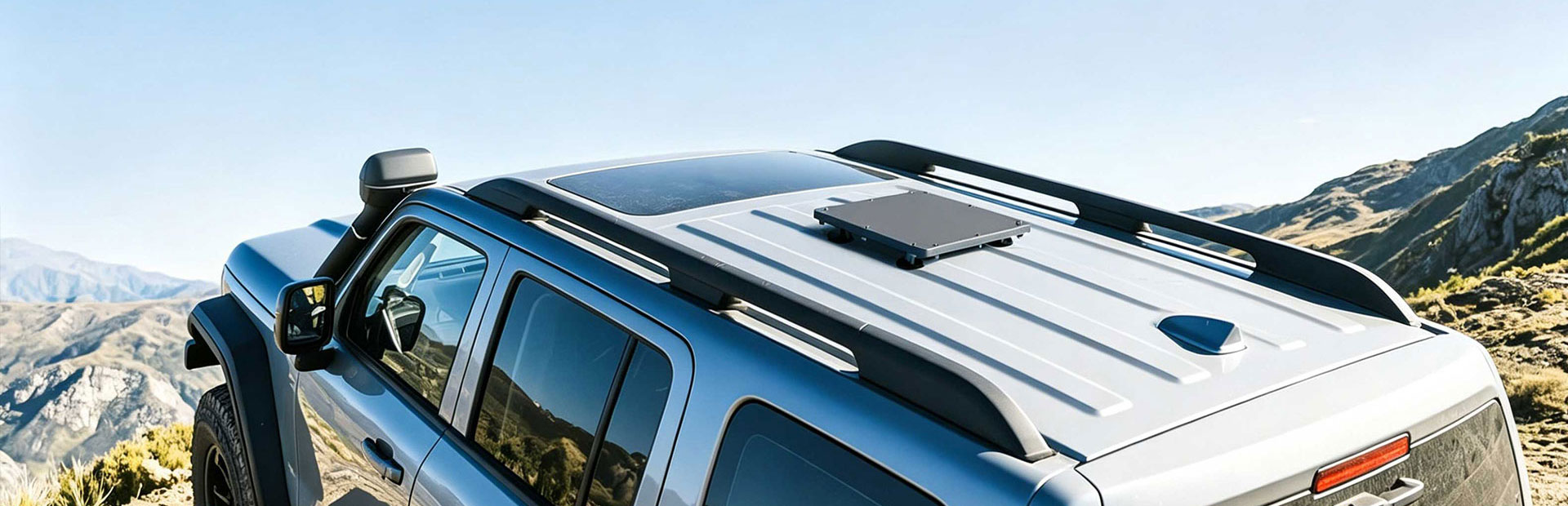
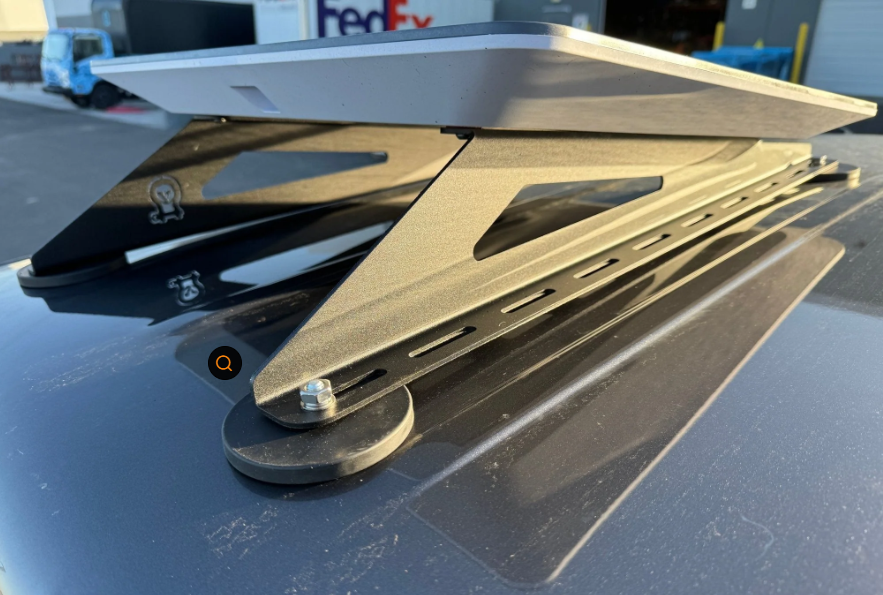
- Roof-mounted with a quick-release – Good for "always ready" setups; use marine-grade mounts and 316 stainless hardware.
Use the app's obstruction checker before committing to a spot.
12V and USB-C PD Power Setups
| Source | Notes |
|---|---|
| USB-C PD (100W+ power bank) | Ultra portable; great for day trips and charging from a power station |
| 12V DC outlet / hardwire | Direct from the RV house battery; efficient for all-day use |
| AC inverter + stock brick | Works but adds conversion loss |
For a deeper comparison, read our Mini vs Standard accessory fit guide.
Parked vs Driving Use
The Mini is designed for stationary use. Deploy it when parked; stow it before driving. If you need connectivity while moving, research in-motion plans and secure mounting separately.
Offline Maps Tip
Download offline maps and entertainment before you reach the trailhead. Starlink can drop in deep canyons or under dense canopy, so local copies keep you navigable.
Camping Etiquette
- Keep the dish and cable clear of fire pits and foot traffic.
- Respect bandwidth at crowded campgrounds; avoid huge downloads at peak times.
- Pack a waterproof enclosure if storms are expected.
Data References
- Starlink Mini support: starlink.com/support
- Starlink service plans overview: starlink.com
- USB Power Delivery specification background: en.wikipedia.org/wiki/USB_Power_Delivery
Frequently Asked Questions
How much power does Starlink Mini use while camping?
Typical draw is around 25–40W depending on temperature and usage, making it easy to run from a USB-C PD bank or a 12V system.
Can I run Mini from a USB-C power bank?
Yes, with a 100W+ PD source and the correct cable. It is one of the most efficient ways to stay online off-grid.
Do I need internet to activate Starlink Mini?
You need a regular cellular or Wi-Fi connection for the initial activation and firmware update. Do this at home before your trip.
Can I use Mini while driving?
It is built for stationary use. Most campers deploy only when parked and stow it for transit.